Motion designer
Every project: the same intro rig, the same null chain, the same ease on twelve layers.
Stagger the title letters by two frames, soft overshoot.→ 24 keyframes on your layer, in your comp.
The bottleneck is not the idea. It is the hands.
After Effects 2022+ · Windows · macOS · v2.10.0
01If the same setup is waiting every day,
this is for you.
Every project: the same intro rig, the same null chain, the same ease on twelve layers.
Stagger the title letters by two frames, soft overshoot.→ 24 keyframes on your layer, in your comp.
Three versions of the same promo are due Thursday. Only the copy changes, and there is no time.
Swap the headline, keep the motion, export three sizes.→ three comps on the same rig, each with the new copy.
You know Premiere by heart. AE is where you go for one title and lose an hour.
Lower-third, slides in from the left, holds four seconds, out.→ built on real layers, editable like any other.
You are the designer, the animator, the renderer and the client call, all before lunch.
Center all anchors, fit the precomps, add a wiggle to the camera null.→ one sentence, three chores gone.
02Where your hands were,
the tool sits down.
Seven After Effects panels. Repetitive setup takes one button, and the thing you cannot quite name takes one sentence. Either way, the result lands in the comp you have open as real layers, keyframes and expressions, and you can open and edit all of it.
It does not make the video for you, and it does not decide for you.
03Seven panels.
We kept only what we use every day.

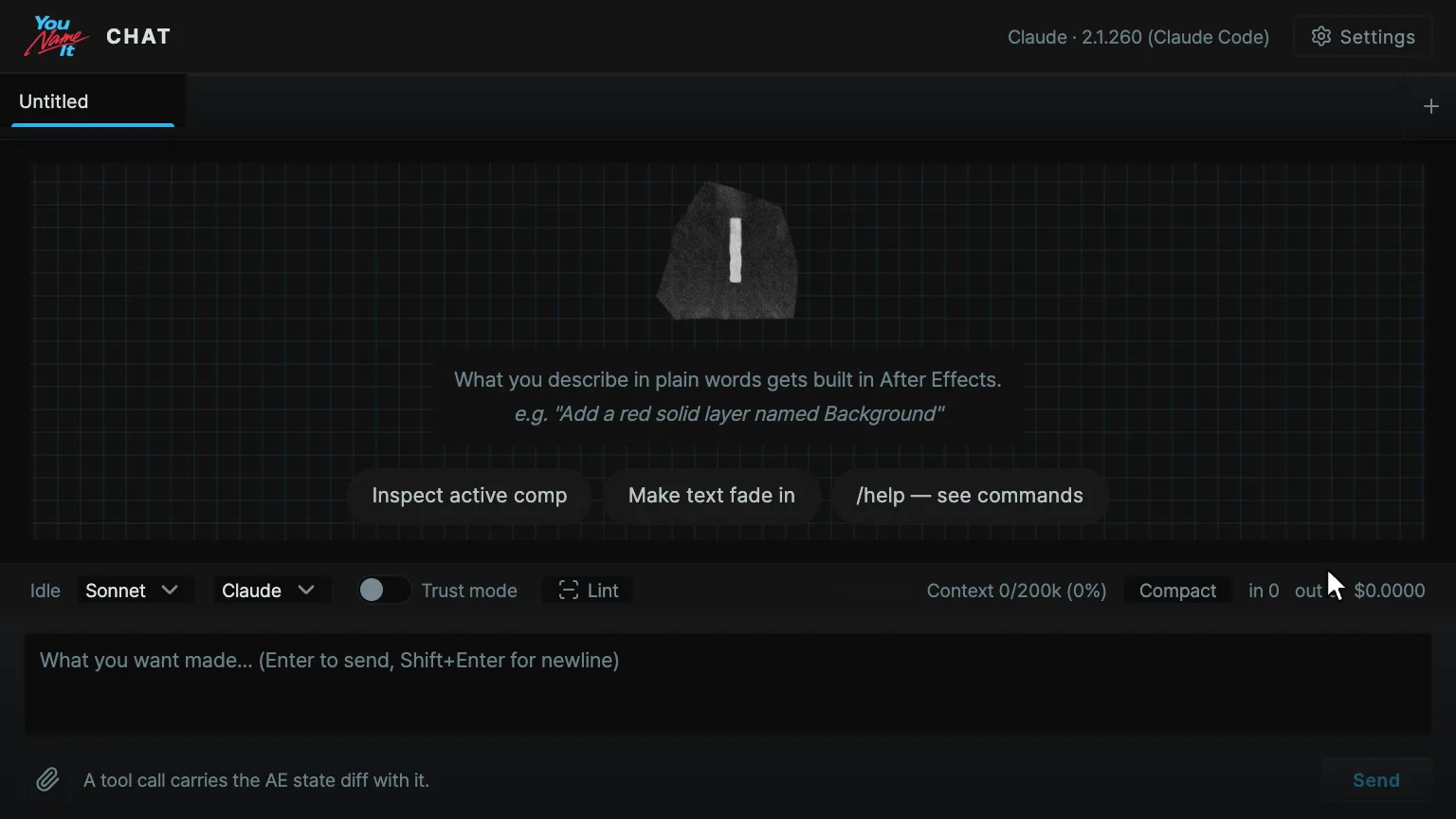
Describe it in plain language and it gets built inside AE. Chat writes the layers and keyframes straight into your comp.
It runs on Claude Code or Codex, installed on your computer and signed in with your own plan. The panel walks you through installing and signing in. We do not sell tokens.

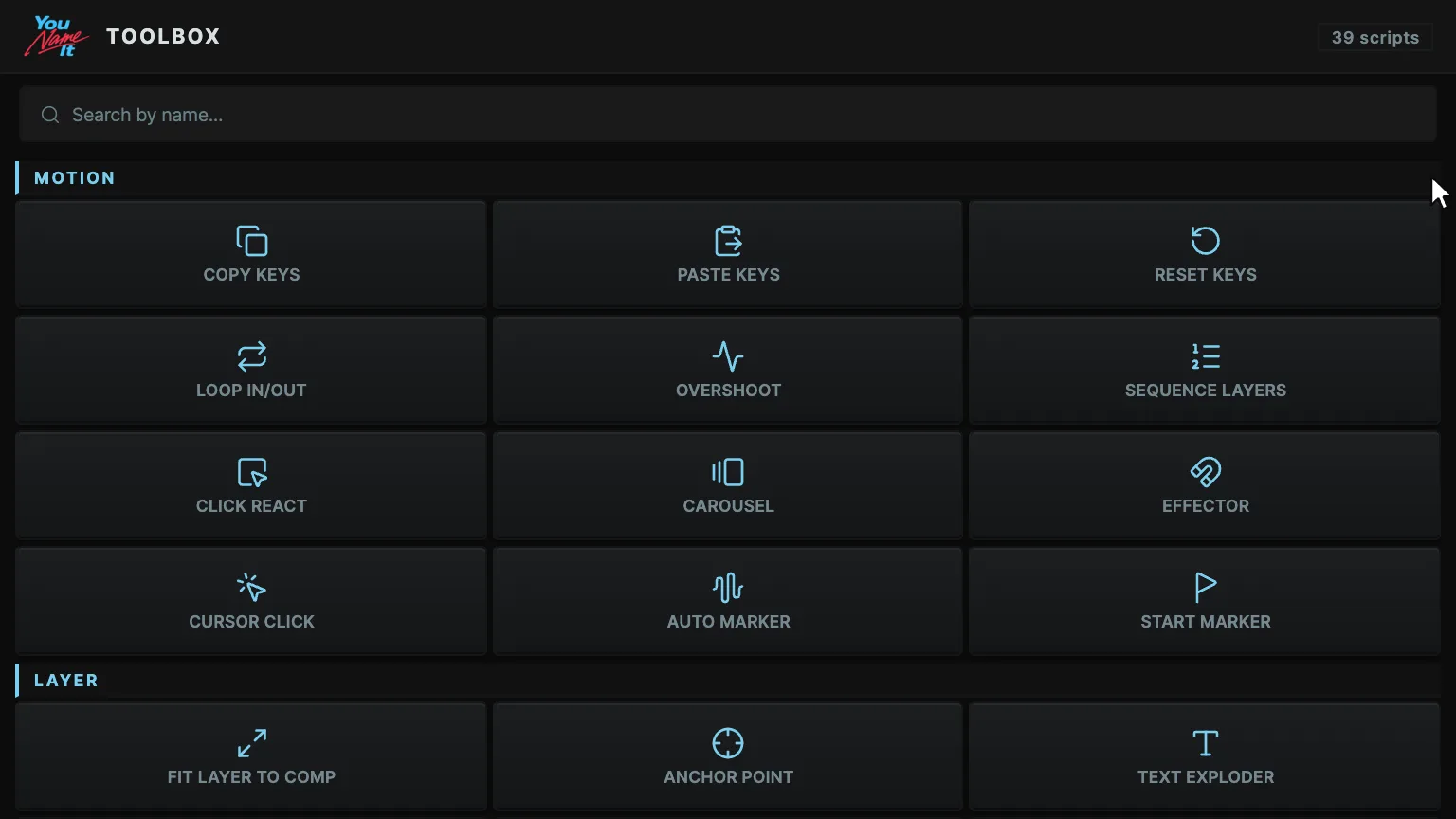
If you can name the chore, pressing it is the whole job. Motion 10 · Layer 9 · Comp 6 · Shape 7 · Stylize 4 · Export 3.
The preview on each button is 16 frames rendered in real AE, so you see what comes out before you press. Settings you have dialed in freeze into your own button.

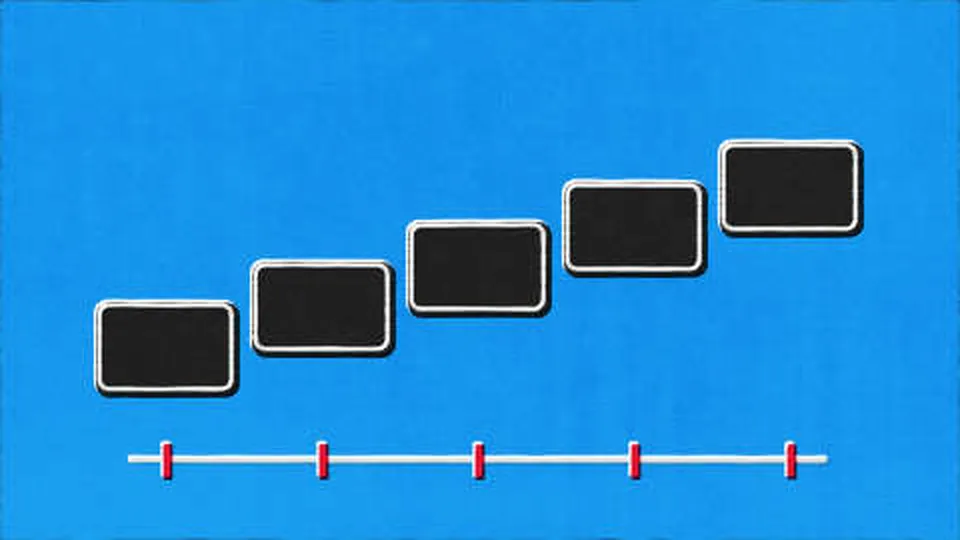
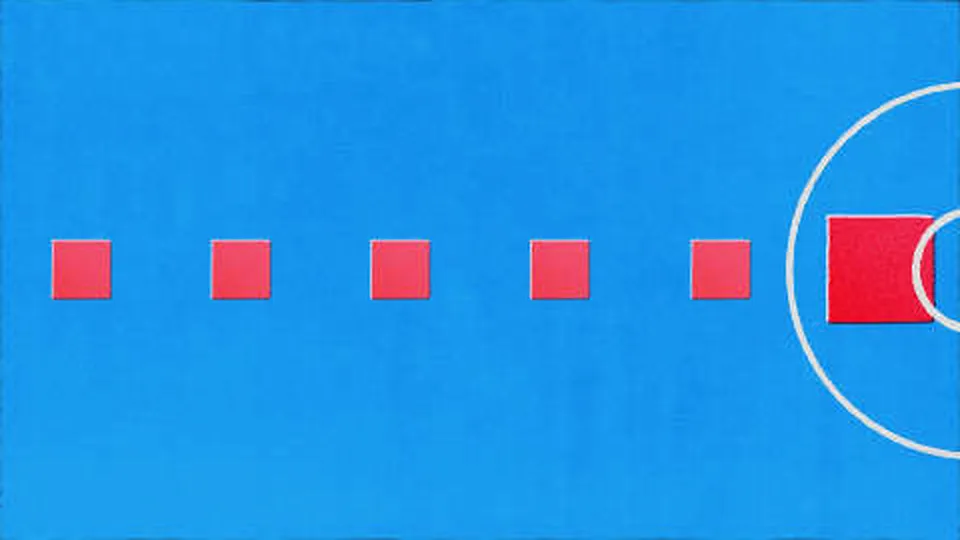
Gives each selected layer its own value on position, rotation, scale or opacity, by step, range or formula. It writes values, not expressions, so you keep editing them in AE.

Rigs the selected layers into an effector. Move one null and scale and opacity answer nearest first. Radius and falloff sit on knobs.

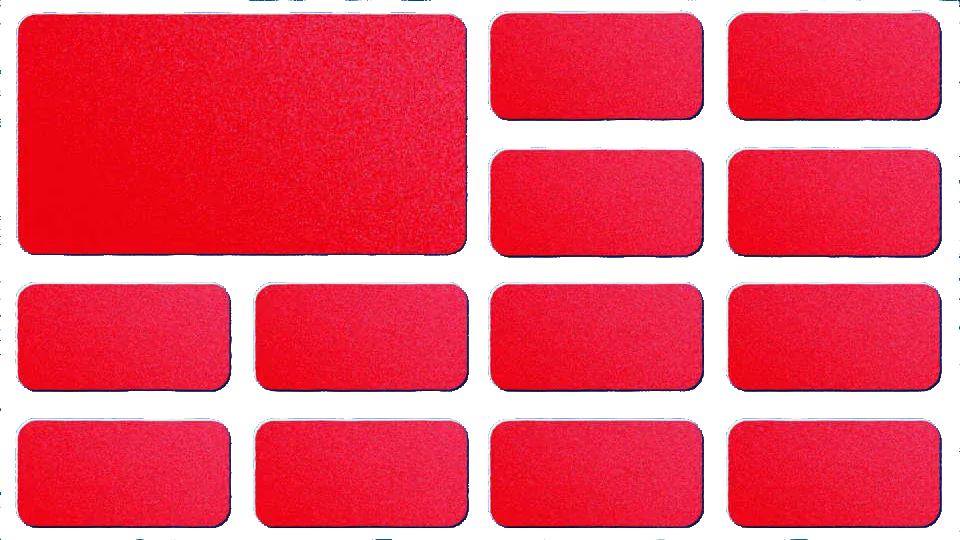
Pick a layout pattern and the cells come in as real layers, shapes or precomps, each with its own entrance.

Pulls markers out of the audio, at onsets (bass hits and the like) or on a tempo grid, so you are not tapping beats against a waveform.

Korean types jamo by jamo (ㅎ → 하 → 한) with a blinking cursor. Typing presets built for Latin text cannot do this.

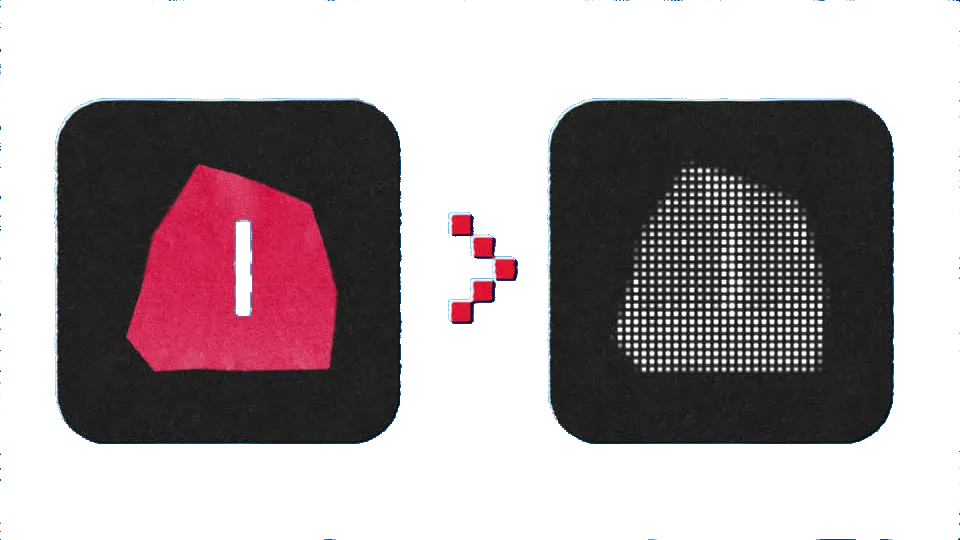
Eight patterns built on sliders and baked to vector or PNG: dots, hatch, checker, halftone, truchet, concentric, ASCII and grain. Feed it a layer and its luminance drives the density.

One property takes an entrance and an exit as two separate moves. You drag both start points as timeline markers, so there is no hunting the keyframes down again.
After it is applied you keep tuning it on the Effect Controls sliders. Apply it again and it will not overwrite the values you set.

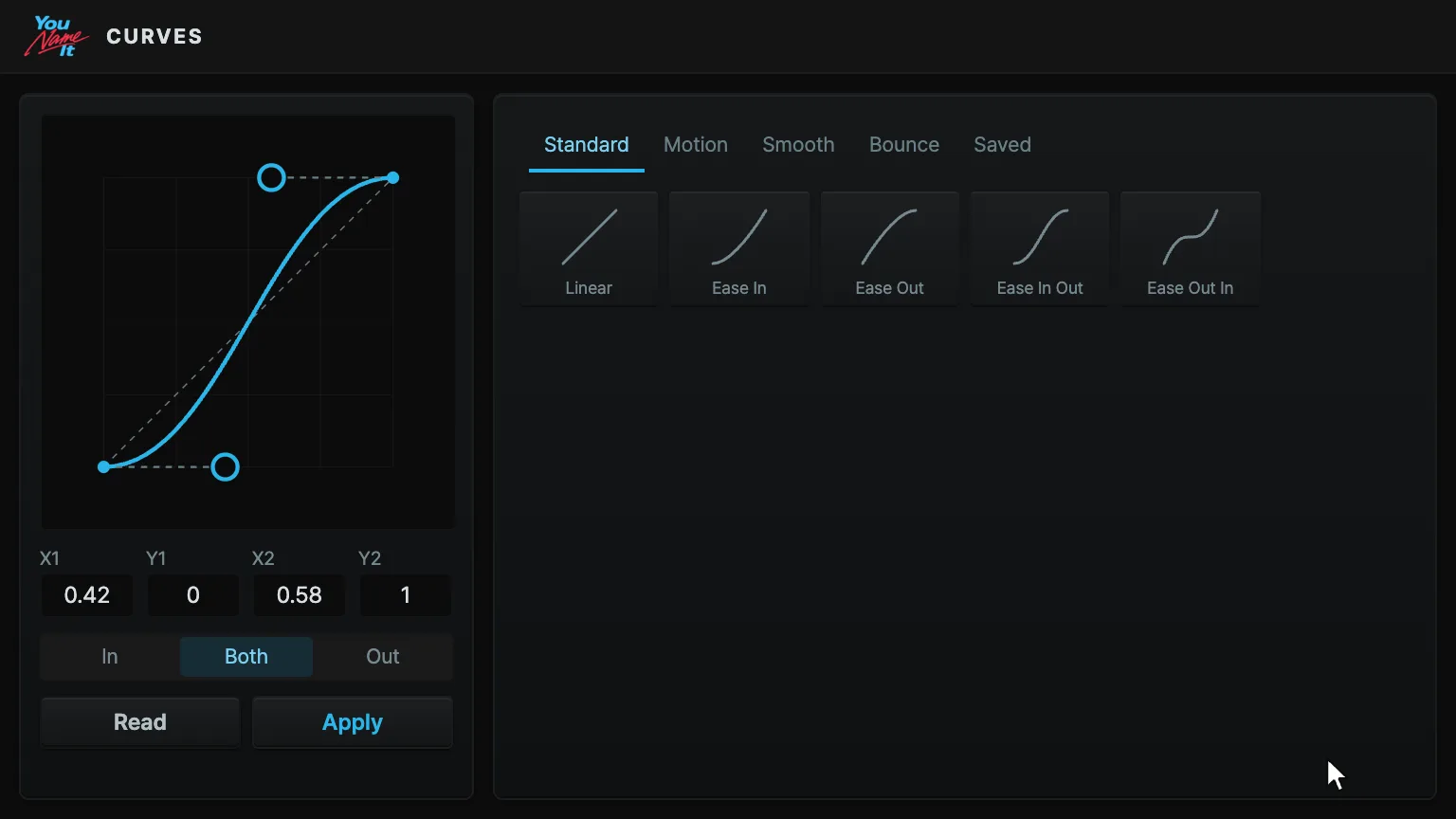
Drag handles in the graph editor or type the numbers. It can read the easing that is on an AE keyframe right now and put it somewhere else unchanged.
Edit an expression and it applies itself 0.6 seconds later, so there is no toggling back and forth to check.

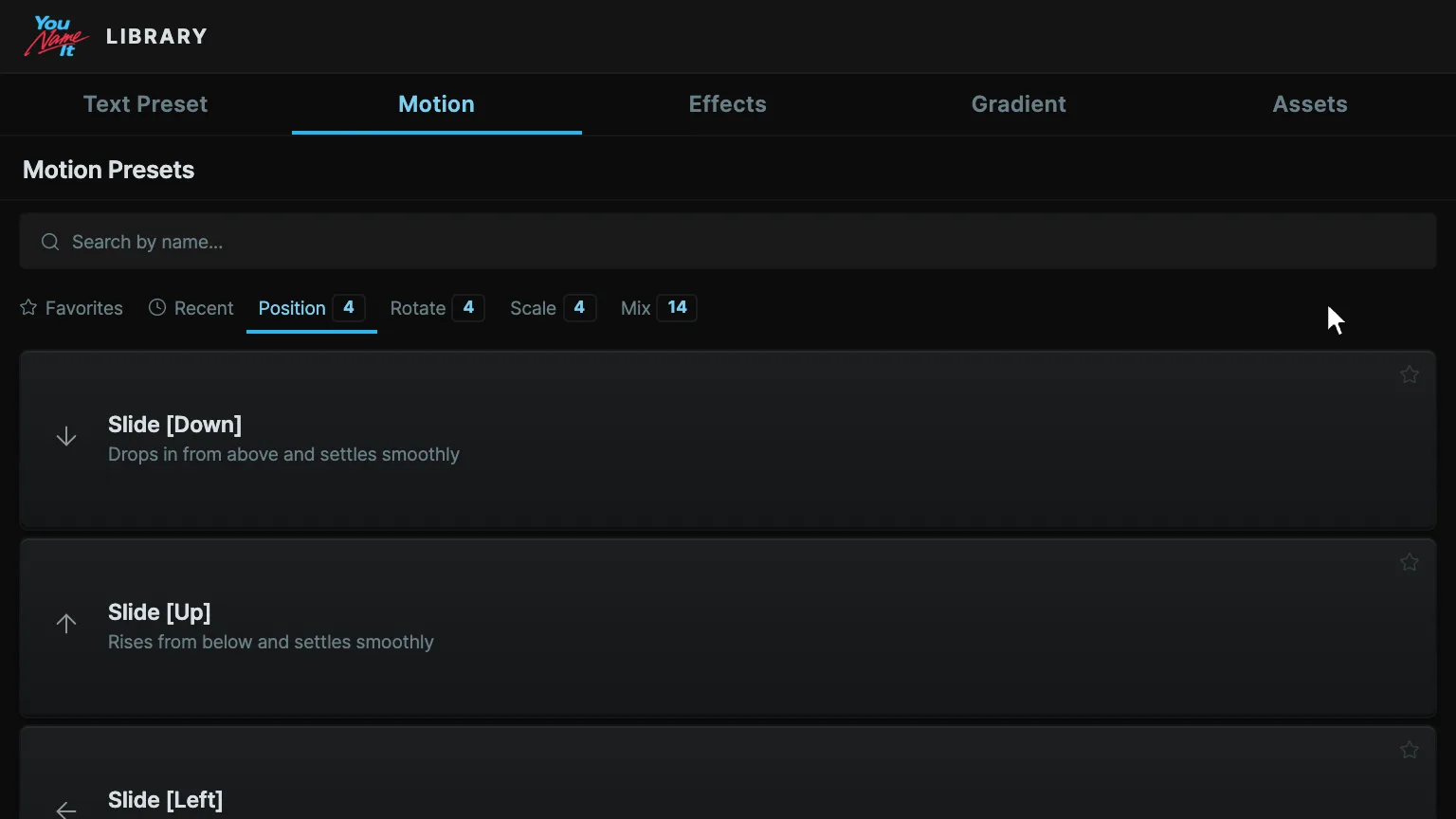
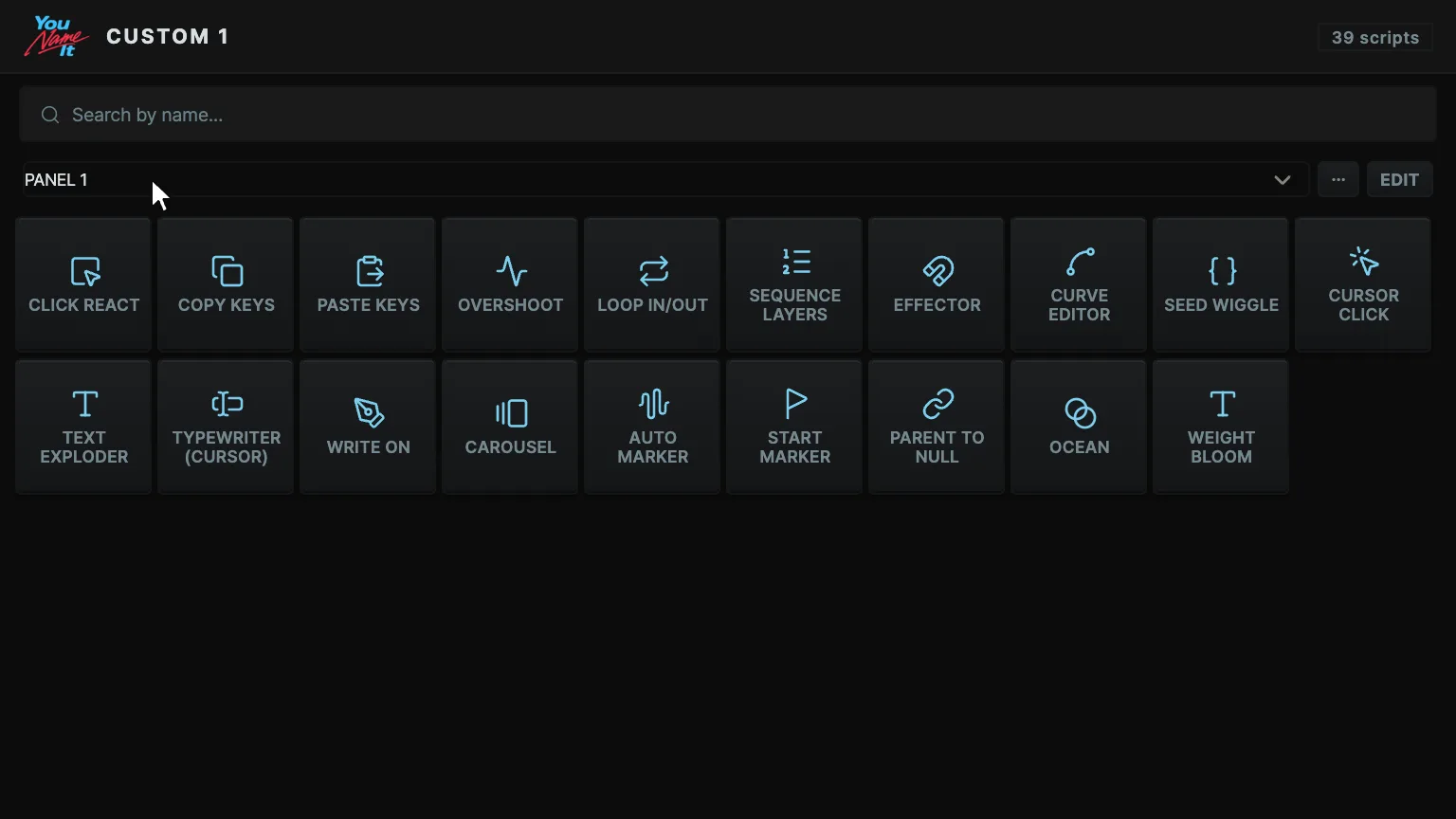
Pick only what you use and put it where you want it. Besides tools, gradients, text presets, expressions, effects and curves go into the same grid.
Save several layouts and swap them from a dropdown. Export one to a file and carry it to another computer.
04Free
$0No card needed. Enter your email and we send you the download link.
Pro
$49.99BuySkip every update and the version you bought keeps working.
Everything in Free, plus
05Minor updates are free.
06Answers first.
Everything except Chat runs on your computer, Depth Pass and Face Track included. Chat sends what you type, and what it reads from your comp, to Anthropic or OpenAI through your own Claude Code or Codex account, just as those tools do when you use them directly. None of your work reaches our servers.
We decided not to build that. You do the thinking and the tool helps you build it. Describe what you want and it lands as layers, but the finished piece is still yours to decide.
Button or sentence, what comes out is ordinary AE layers, keyframes and expressions. Delete the plugin and everything you made stays.
Install Claude Code and sign in with a Claude Pro or Max account, or install Codex and sign in with a ChatGPT account. One of the two is enough, and the panel walks you through it. The plugin price does not include AI usage, and we do not charge for it separately. Only the Chat panel needs this. The other six run without it.
Toolbox, Library, Curves and Expressions run without one. Chat needs a connection. The license checks in quietly once every seven days, and you can keep working up to 30 days without one.
Windows and macOS both. It installs with the free ZXP Installer (install guide).
On macOS it runs on Apple Silicon only. On Windows it uses the graphics card and falls back to the CPU when it has to. The first run downloads about 110 MB once; after that it starts straight away.
One payment and that is it. Checkout is handled by Polar.
Two active at a time. When you change computers you deactivate one yourself, from the customer portal or inside the panel, and activate the new one. To manage your computers, sign in with the email you paid with.
A notice appears inside the panel and you install it right there.
Email support@younameit.works within 14 days of purchase, with your order number or the email you paid with. No need to explain why.
Sign in to the customer portal with the email you paid with. Your key and the installer are there.